
For Businesses
Grow through real customer relationships.
LinkConnect for Business is built on the same human-first foundation as the rest of the app: verified humans, chronological feeds, no bots, no algorithm deciding who hears from you.
Free at launch.
Why LinkConnect for Business
Four things that are actually different.
Real customers
Every account is age-verified 18+ and gated against bots. You're reaching humans who chose to be here.
Real engagement
No algorithm buries your content. Your Links see your posts chronologically, in the order they happened.
Real relationships
End-to-end encrypted messaging. We don't mine your customer conversations. Nobody does.
Local focus
Neighborhood surfaces you to people actually nearby, not to an audience that will never walk in.
Features
Everything a business account gets.
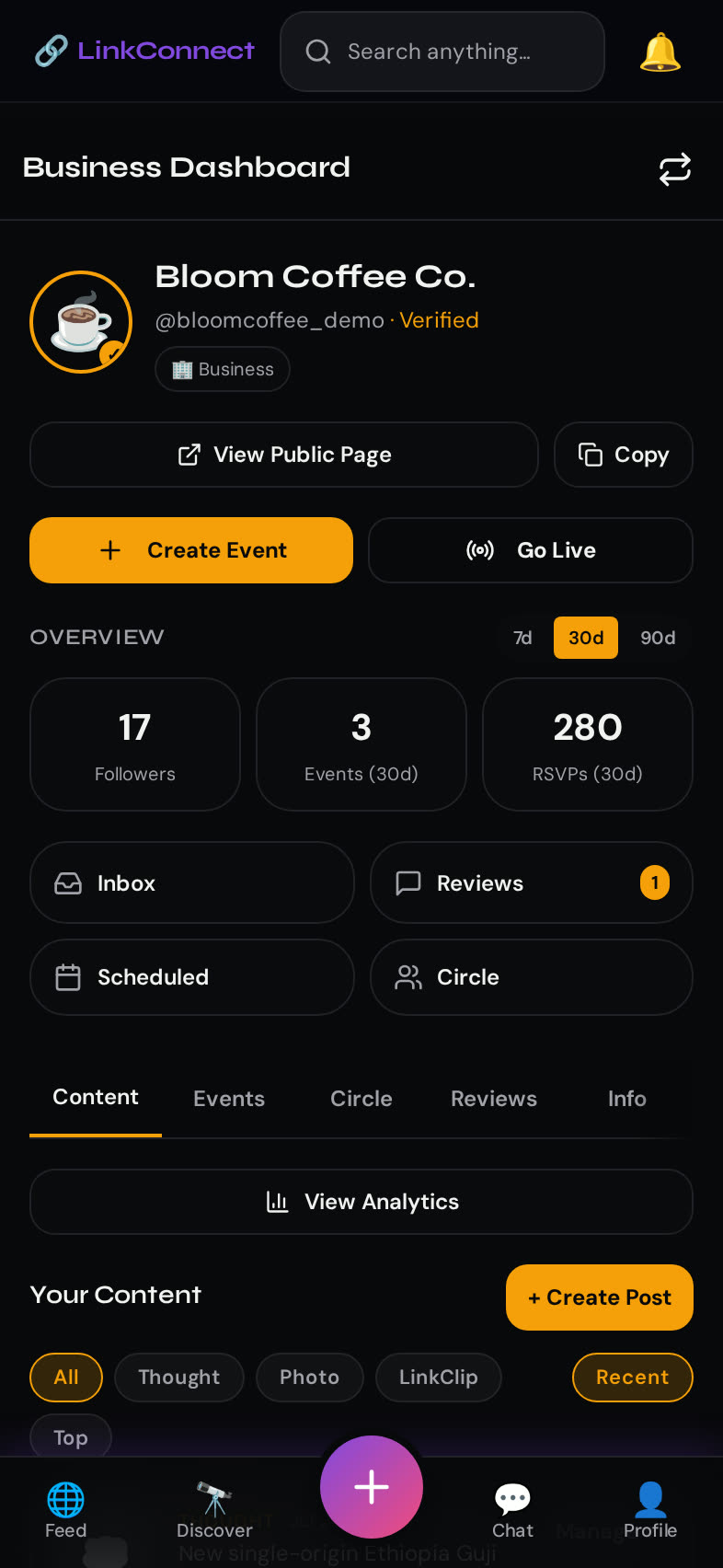
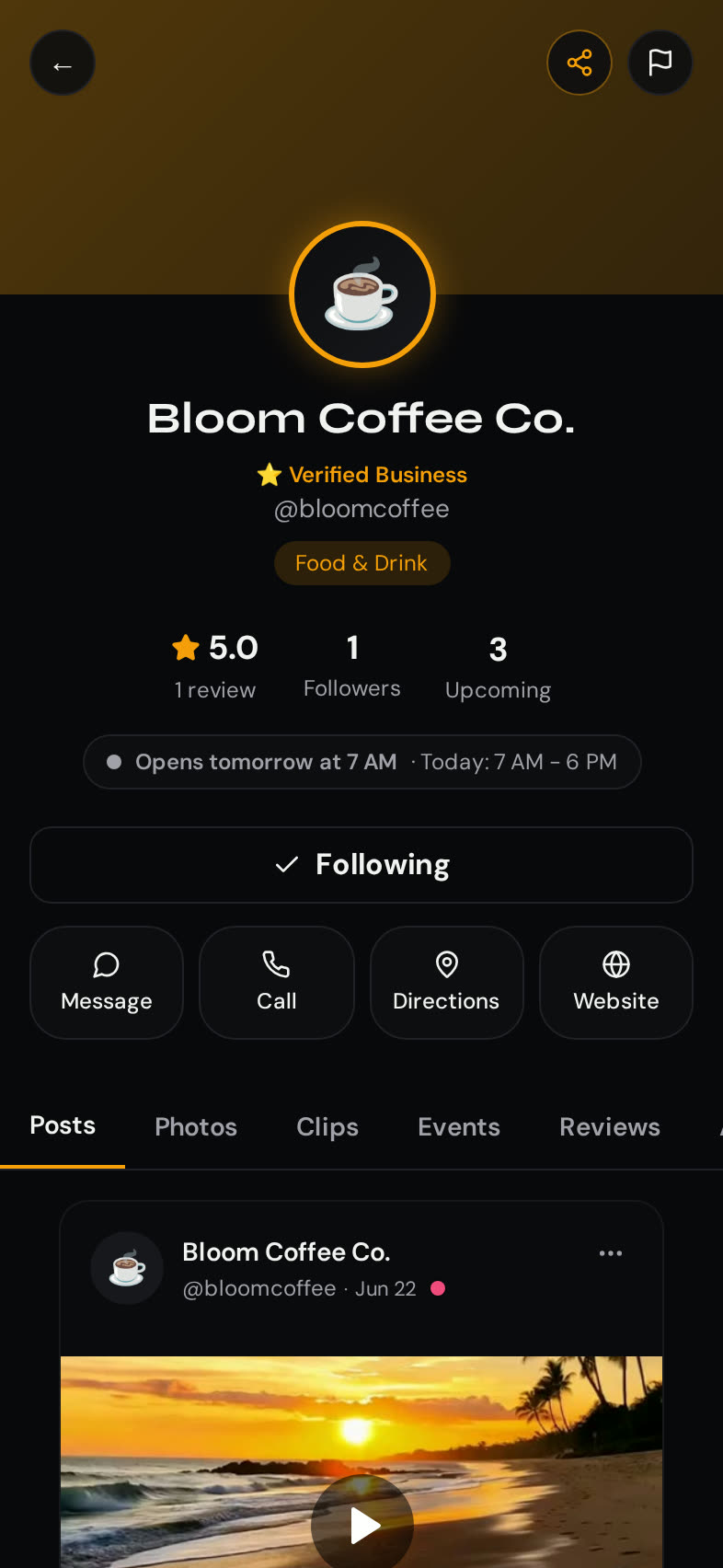
Business Profile & Verification
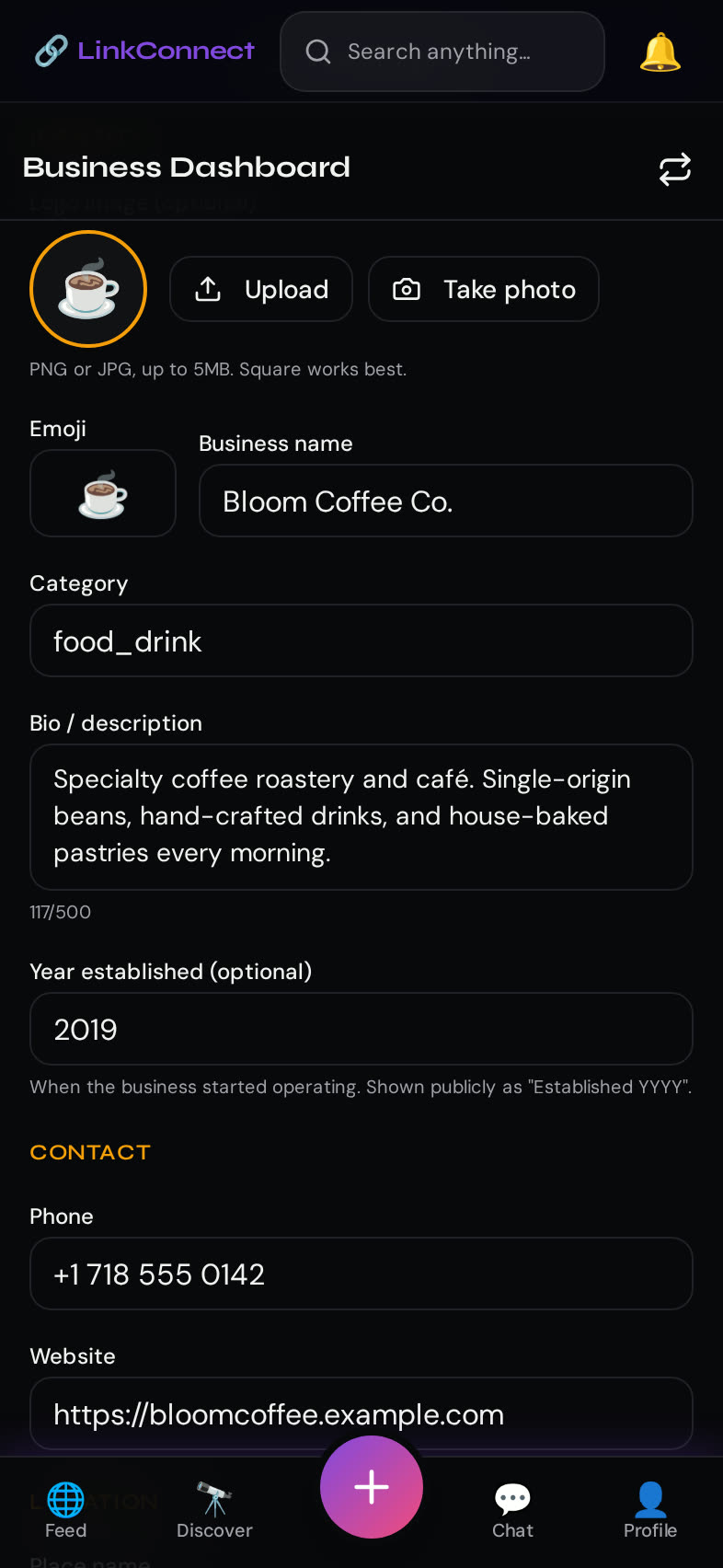
A verified badge, claimed business name, category, hours, address, website, and contact info. Verification confirms you're the real business and unlocks paid features when you want them.
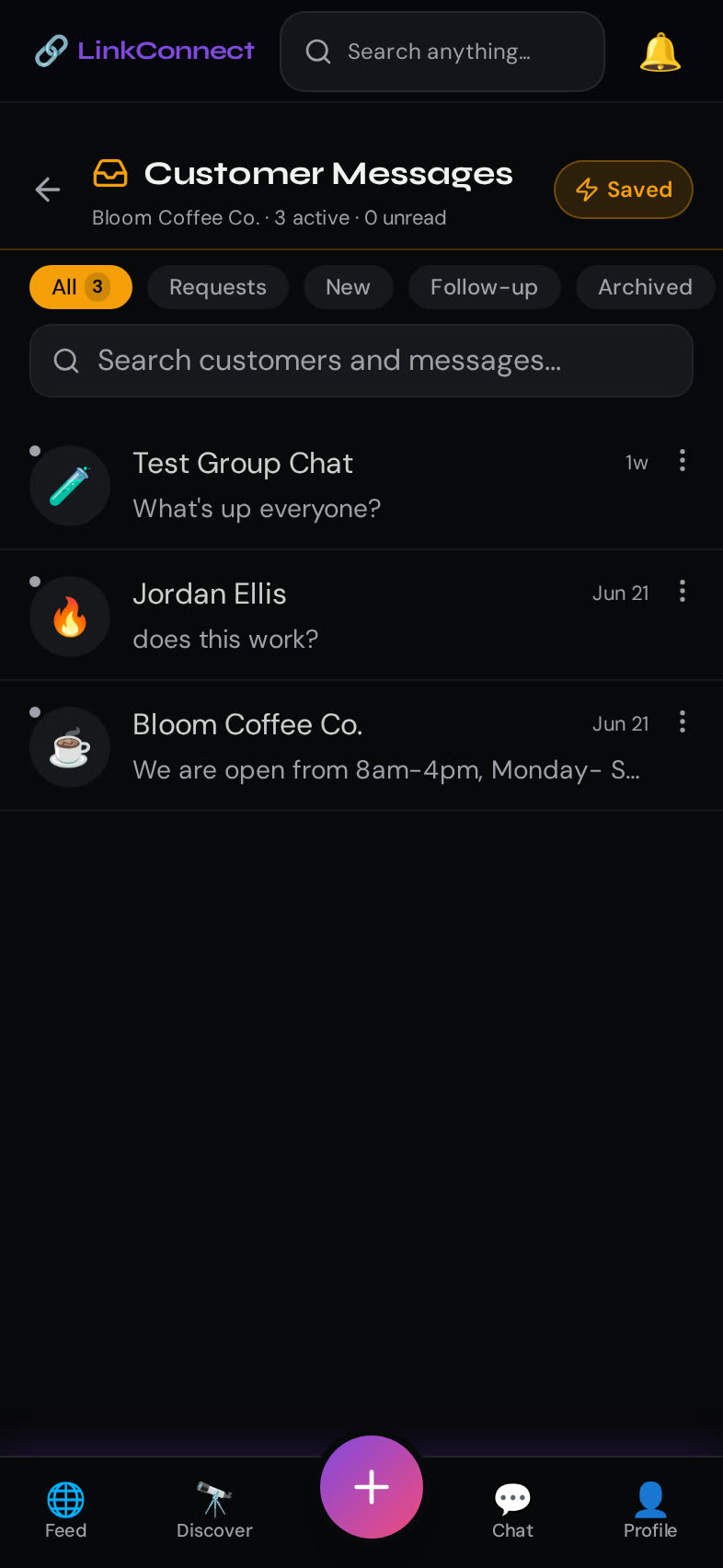
Customer Communication
LinkChat with follow-up flags so no question falls through the cracks, per-message live location sharing for meetups and pickups, and read/response indicators for you (never leaked to customers). End-to-end encrypted like every other LinkChat conversation.
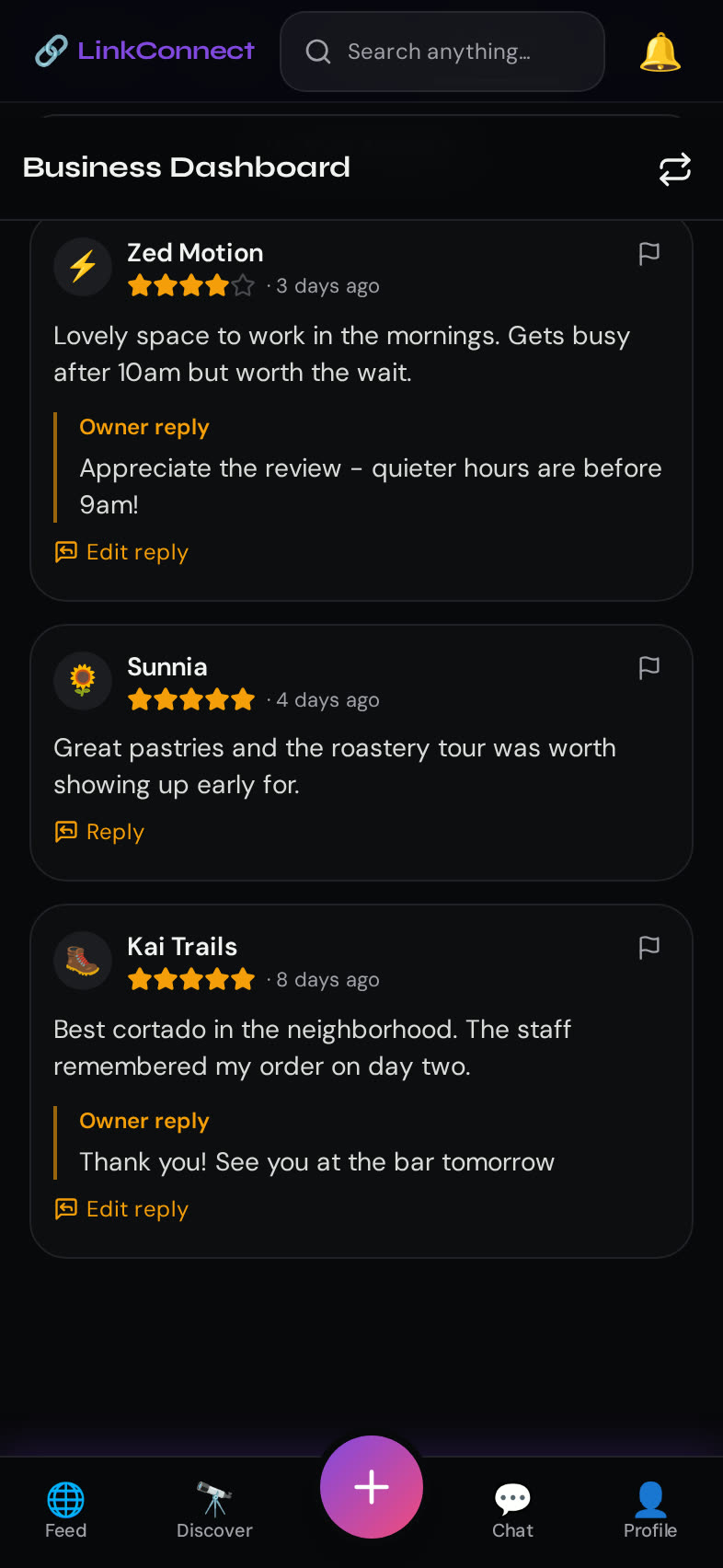
Reviews
Reviews from verified humans only. Attach up to 5 photos per review. You can respond publicly, flag abuse, and report — but you can't delete a legitimate review. Honest signal, both ways.
Discovery
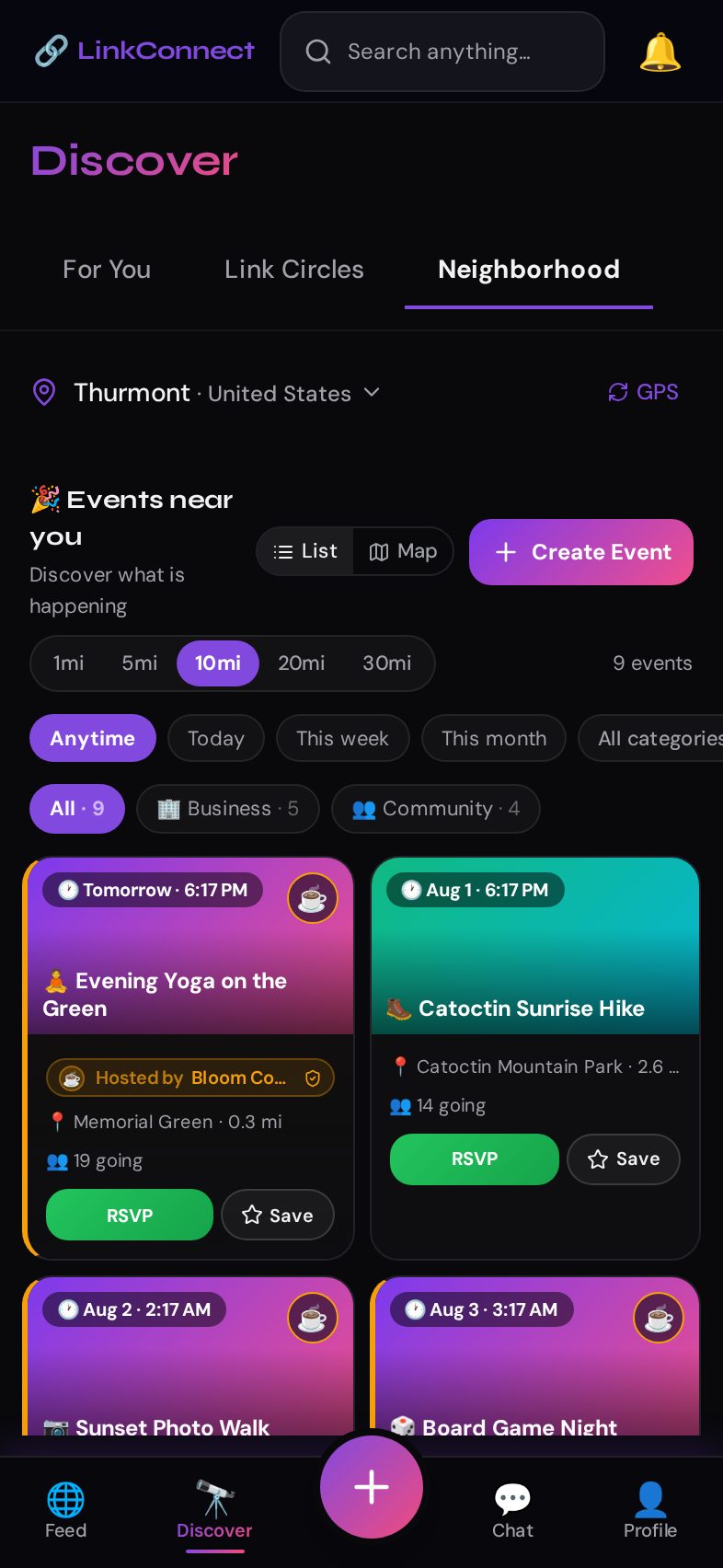
Show up in Neighborhood for people near you, in category browsing, and in search. Personal users find you through the same surfaces they use to find friends — no separate 'ads' tab.
Events
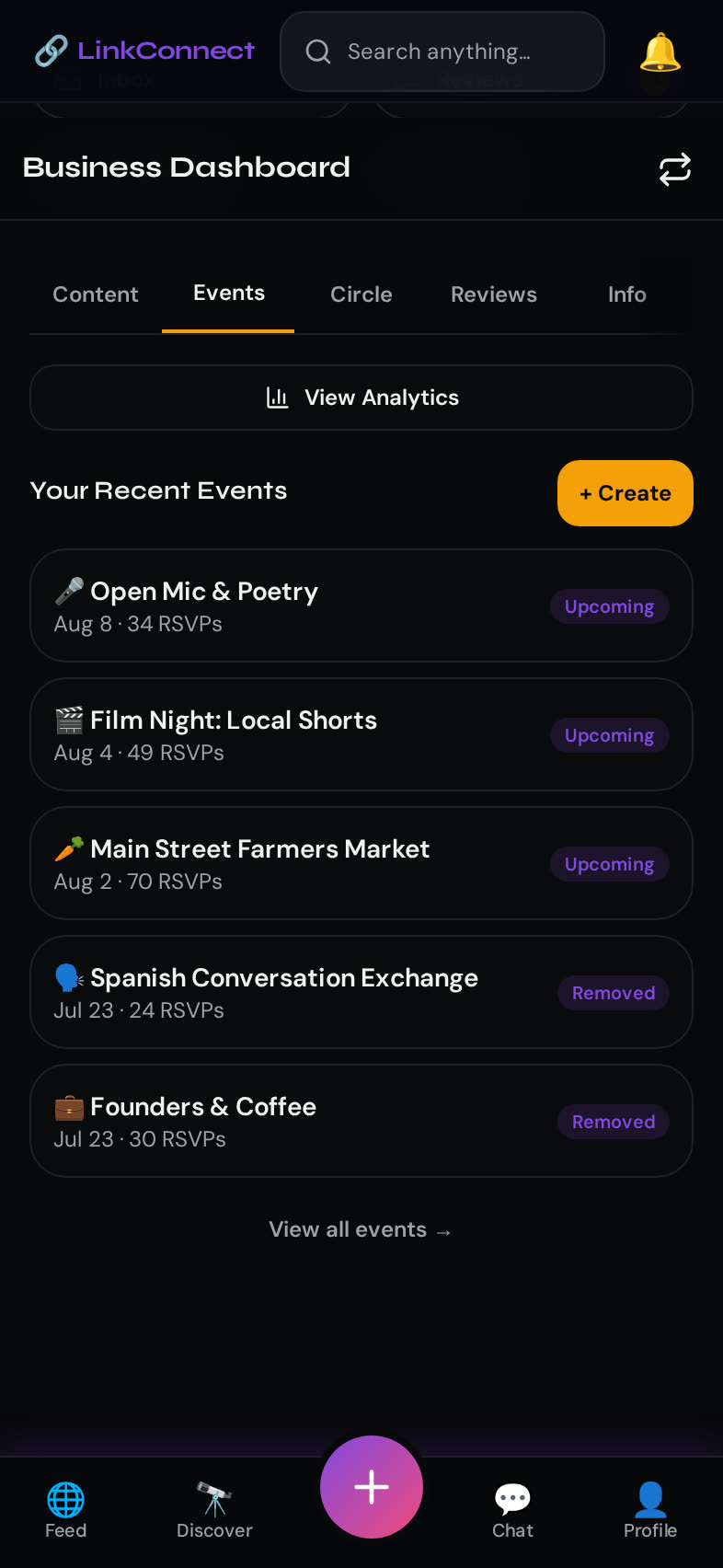
Host openings, workshops, tastings, meetups. Attendees RSVP, get reminders, and see the event on the Neighborhood map. Featured event promotion is optional and pay-per-campaign.
Content & Live Broadcasting
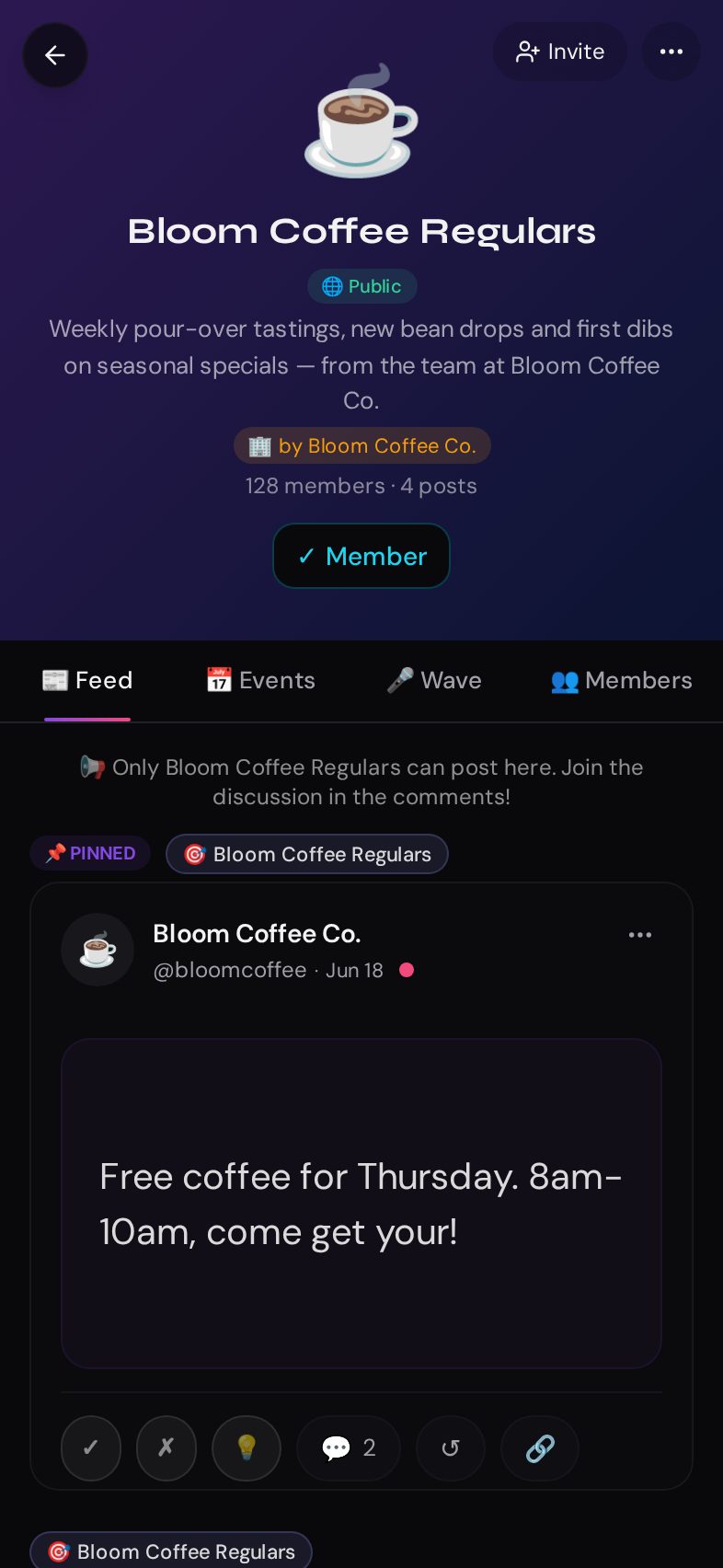
Post photos, LinkClips (short video up to 3 minutes), and updates. Go live to your Links with real-time reactions and comments — no separate broadcasting tool required.
Business Insights
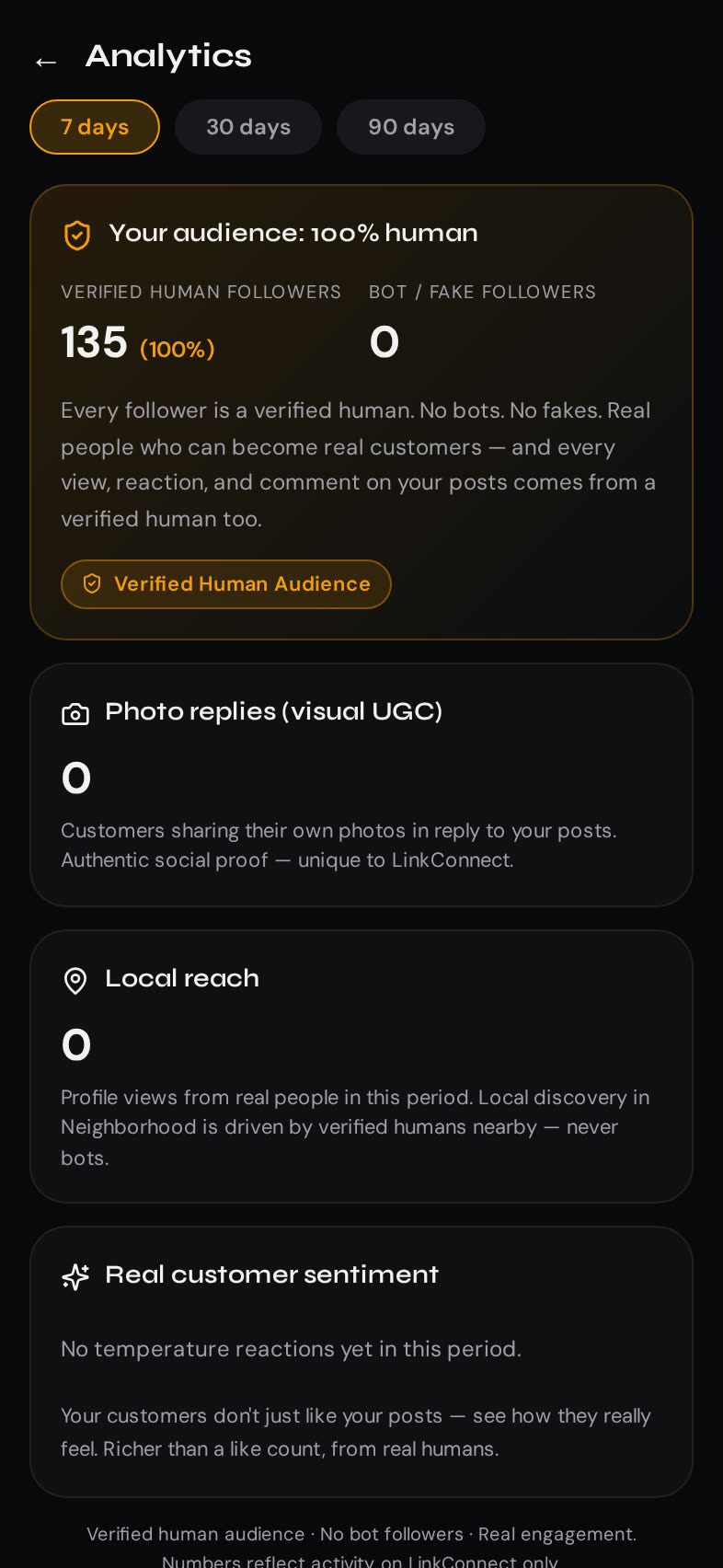
Simple, non-invasive analytics: profile visits, follower growth, event RSVPs, review sentiment. No behavioral surveillance of your customers — you get aggregates, not people.
Inside a business account
See every business tool.
Real screens from LinkConnect for Business — no mockups.
Getting started
Four steps from signup to serving customers.
1. Sign up
Download the app and create a business account instead of a personal one. Same signup flow, different account type.
2. Verify your business
Provide your business name, address, and one of: business license, utility bill, or tax document showing your business at that address. Any government-issued document that ties the business name to a real address works.
3. Review & approval
Our team reviews submissions. Typical turnaround is 1–3 business days at launch. You can operate an unverified business profile in the meantime, but the verified badge and some features are gated on approval.
4. Set up your profile
Add photos, hours, category, contact info, and description. Enable customer messaging. Host your first event or post your first update.
FAQ
Business questions, answered.
How much does it cost?+
LinkConnect for Business is free at launch. Verified business profiles, customer messaging, reviews, events, live, and content posting are all included. Featured event promotion is optional and pay-per-campaign.
How does the verification process work?+
Submit business name, address, and one supporting document (business license, utility bill in the business name, tax document, or equivalent). Our team reviews and approves — typically within 1–3 business days at launch. You'll get an in-app and email notification of the decision.
Can I have multiple business accounts?+
Yes, if you own multiple distinct businesses. Each business account requires its own verification. Chains and franchises: contact support and we'll help you set up the right structure.
What if I don't verify?+
You can operate an unverified business profile, but it won't display the verified badge, and some features (promoted campaigns, featured events, some discovery placements) are gated on verification.
How are reviews handled?+
Reviews come from verified human accounts only. You can respond publicly to any review, flag abusive or fake reviews for moderation, and report violations. You cannot delete legitimate reviews — that's what keeps the signal honest for customers.
What content should I post?+
Whatever your customers would actually want to see: new arrivals, behind-the-scenes, events, updates, live Q&A. Human-first also applies to businesses — no AI-generated content in your posts, and no engagement-farming tactics. Post like a person, not like a brand.
What should customers expect from messaging?+
Set your response expectations in your profile so customers know when to expect a reply. LinkChat gives you follow-up flags to triage — every question gets tracked until you've handled it. Messages are end-to-end encrypted; even we can't read them.
I have another question.+
Email support@linkconnectapp.com and we'll get back to you.
Ready to reach real customers?
Create your business account when the app launches — or email us any time.